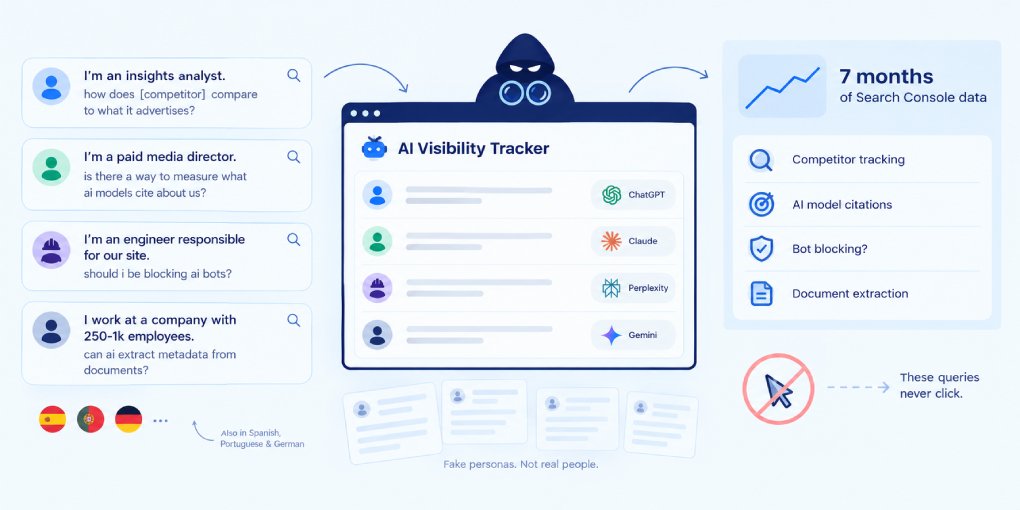
AI agents are visiting your website right now. Not just search engine crawlers doing their usual indexing, but autonomous AI systems browsing on behalf of users. Shopping agents comparing your prices. Research agents pulling data for reports. Coding assistants fetching your documentation. The question isn’t whether they’re coming. It’s whether you can see them.
Where to look
AI agent visits show up in the same place as any other traffic: your server logs and analytics. The difference is that most analytics tools filter them out by default because they don’t execute JavaScript. Google Analytics, for example, won’t show you agent traffic because GA requires a JavaScript tag to fire.
To see AI agent traffic, you need server-side logs. On Cloudflare, check your Worker analytics or Firewall events. On traditional hosting, check your access logs (usually at /var/log/apache2/access.log or /var/log/nginx/access.log). On a CDN, check the edge logs.
What you’re looking for: HTTP requests with specific user-agent strings that identify AI systems.
The user-agent strings to watch for
Each AI system identifies itself with a unique user-agent string. Here are the ones that matter most:
GPTBot/1.0 - OpenAI’s crawler for training and retrieval. When ChatGPT browses the web to answer a question, this is the agent doing the fetching.
ChatGPT-User - A separate OpenAI agent that fires when a user explicitly asks ChatGPT to visit a URL. More targeted than GPTBot.
ClaudeBot/1.0 - Anthropic’s web crawler for Claude. Used for both training data collection and real-time retrieval.
Google-Extended - Google’s AI-specific crawler that feeds content into Gemini and AI Overviews. Separate from the regular Googlebot.
PerplexityBot/1.0 - Perplexity AI’s crawler. Perplexity is heavily citation-based, so visits from this bot often result in your content being cited with a link.
Bytespider - ByteDance’s crawler, used for training AI models behind TikTok and other ByteDance products.
Meta-ExternalAgent - Meta’s crawler for training LLaMA and other AI models.
Cohere-AI - Cohere’s crawler for enterprise AI training.
Applebot-Extended - Apple’s AI crawler for Apple Intelligence features.
What the visits mean
Not all AI agent visits are equal. Understanding the type of visit helps you interpret what’s happening:
Retrieval visits happen in real time when a user asks an AI a question. The agent fetches your page, extracts relevant content, and includes it in its response. These are the most valuable visits because they result in citations and potentially traffic back to your site.
Training visits collect content to train or fine-tune AI models. These are bulk crawls that may fetch many pages in quick succession. They don’t result in immediate citations, but they influence whether the model “knows about” your content in future conversations.
Index-building visits create a searchable index that the AI system references later. Google-Extended and PerplexityBot both do this. Your content gets stored and surfaced when relevant queries come in.
Setting up detection
On Cloudflare (Workers): You can log AI bot visits by checking the user-agent header in your Worker code. A simple approach is to log requests where the user-agent contains known AI bot strings and store them in KV or send them to an analytics endpoint.
In server logs: Use grep to filter for known agents:
grep -i "gptbot\|claudebot\|perplexitybot\|google-extended\|chatgpt-user" access.logThrough your CDN: Most CDNs (Cloudflare, Fastly, Akamai) let you create firewall rules that match user-agent patterns. Instead of blocking, set them to “log” so you can track visits without interfering.
What to do with the data
Once you can see AI agent traffic, several insights become actionable:
Which pages get visited most. If agents consistently visit your pricing page but never your blog, that tells you where AI users are looking for information about your business.
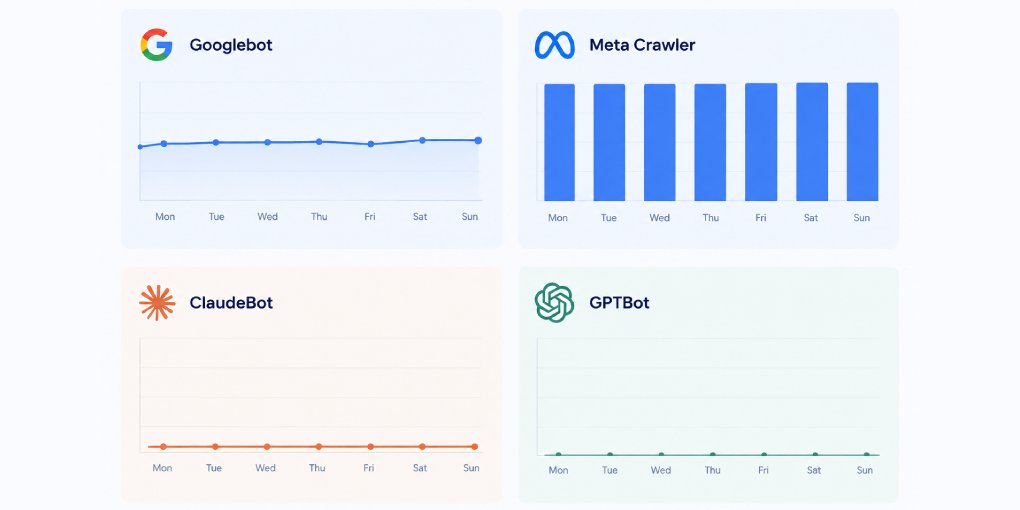
Which agents visit and which don’t. If GPTBot visits regularly but ClaudeBot never appears, check whether your robots.txt might be blocking Claude specifically. You should create a robots.txt which welcomes AI Agents.
Visit frequency trends. Increasing AI agent visits over time means your content is becoming more relevant to AI-powered queries. Decreasing visits might signal a structural problem or a competitor taking your spot.
Pages that get visited but don’t rank. If PerplexityBot crawls your page but you never appear in Perplexity results, there may be an extractability issue. Run the page through hey-eye to check.
The visibility gap
Most website owners are completely blind to AI agent traffic. They track Google rankings, monitor analytics, and optimize for traditional search. Meanwhile, a growing channel of AI-powered discovery is visiting their site (or not visiting it) without any visibility.
Setting up AI agent detection takes an hour. The insights it provides are worth far more than that. You can’t optimize for a channel you can’t see.
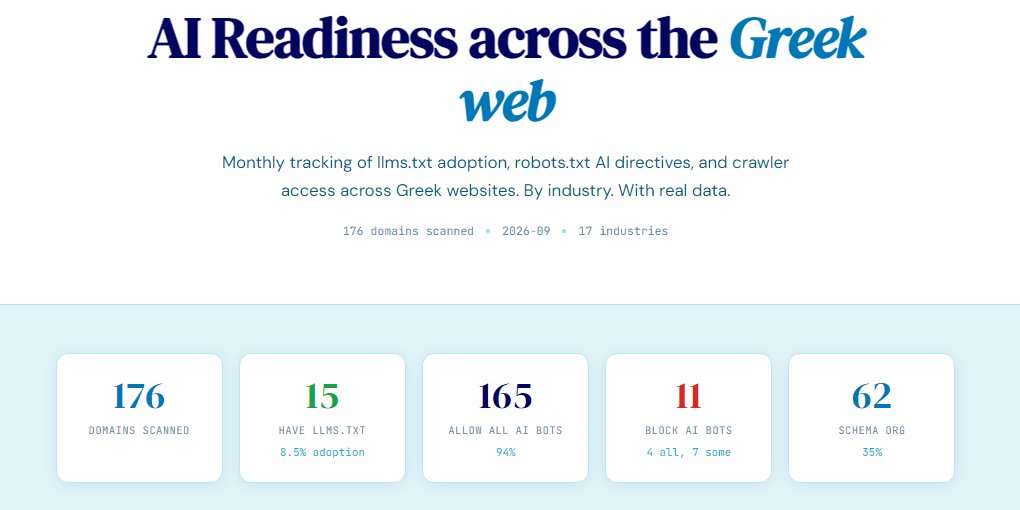
Start by checking your current AI crawler access with a hey-eye analysis. The Authority & Trust pillar reports which AI bots your robots.txt allows, which is the first step in understanding who can visit and who can’t.