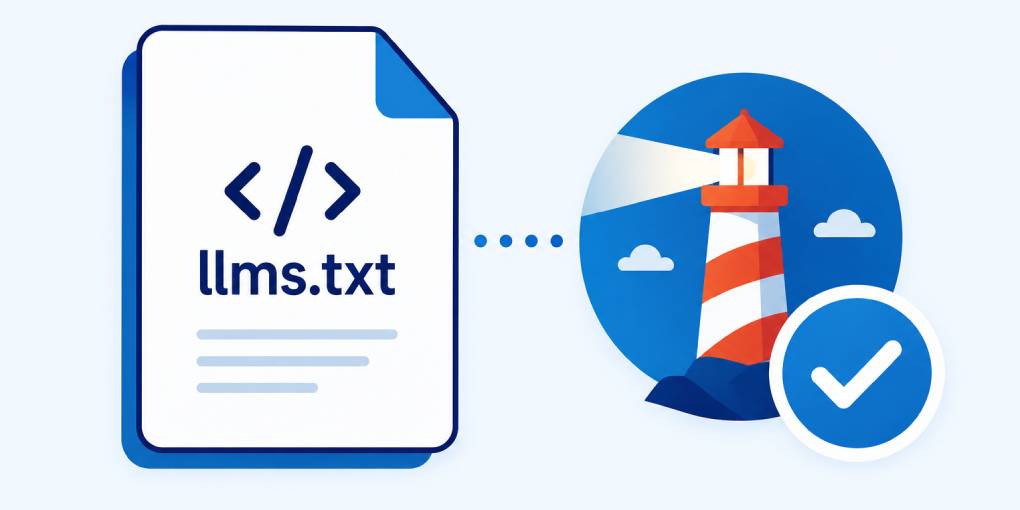
Six months ago, llms.txt was an obscure proposal that most site owners had never heard of. Today, Google checks for it in Lighthouse. That should tell you everything you need to know about where this is heading.
What is llms.txt?
An llms.txt file is a machine-readable summary of your website, placed at the root of your domain (example.com/llms.txt). It tells AI systems what your site is about, what content is available, and where to find the most important pages.
Think of it as a combination of robots.txt and a sitemap, but designed specifically for language models. Where robots.txt says “what you’re allowed to crawl” and a sitemap says “what pages exist,” llms.txt says “here’s what my site actually does and what content matters most.”
The format is simple markdown. A title, a brief description of the site, and a structured list of key pages with short explanations of what each one covers. No special syntax, no complex configuration.
Google now checks for it
Google has added an llms.txt audit to Lighthouse as part of a new category called “Agentic browsing audits.” This category sits alongside the existing Performance, Accessibility, SEO, and Best Practices audits that developers already know.
The fact that Google created an entirely new audit category for agentic browsing, and that llms.txt is one of the first checks in it, signals how seriously they’re taking AI agent compatibility. This isn’t an experimental feature buried in a dev preview. It’s a production Lighthouse audit that will show up in every developer’s workflow.
The other audits in the agentic browsing category include WebMCP integration, accessibility for agents, and layout stability. Together, they paint a picture of what Google considers a well-prepared site for AI interaction. And llms.txt is the foundation: discoverability.
Why it matters for your visibility
When an AI agent or LLM encounters your site for the first time, it needs to understand what it’s looking at quickly. Without llms.txt, the model has to crawl your homepage, follow links, read multiple pages, and piece together what your site does. Some models do this well. Many don’t bother and move on to a competitor that makes it easier.
With llms.txt, the model gets a structured overview in a single request. It knows your site’s purpose, your key content areas, and where to find specific information. This reduces the barrier to extraction and increases the likelihood that your content gets cited.
For sites with complex structures (multiple product lines, extensive documentation, mixed content types), llms.txt is especially valuable. It acts as a guided tour that prevents models from getting lost in your navigation.
What to include
A good llms.txt file has three components:
Site identity. Your site name and a one-line description of what it does. Be specific. “Marketing agency” is too vague. “B2B content marketing agency specializing in SaaS and fintech” gives the model real context.
Key pages. A curated list of your most important pages, each with a URL and a brief description. Don’t list every page. List the ones that represent your core offerings, your best content, and your most authoritative resources.
Content categories. If your site covers multiple topics or has distinct sections (blog, documentation, tools, products), group your pages under clear headings. This helps models understand your site’s topical structure.
How to create one
You can write an llms.txt file manually in any text editor. But getting the format right, choosing which pages to highlight, and writing concise descriptions for each one takes time.
The hey-eye llms.txt generator automates this. Enter your domain and it generates a properly formatted llms.txt based on your site’s actual structure. You can review and edit the output before deploying it. Upload the final file to your site’s root directory and you’re done.
The cost of waiting
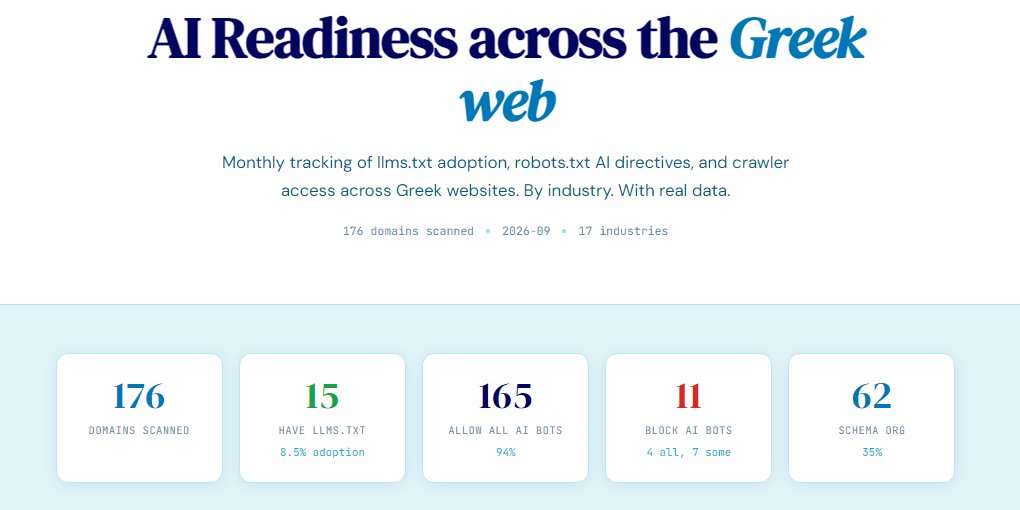
Every new standard goes through the same cycle: early adopters get disproportionate benefit, the majority catches up, and latecomers get no competitive advantage. llms.txt is still in the early adopter phase. Most of your competitors don’t have one. Most of them haven’t heard of it.
But Google adding it to Lighthouse changes the timeline. Once developers start seeing “llms.txt not found” in their Lighthouse reports, adoption will accelerate rapidly. The window for competitive advantage is now.
Create your llms.txt. It takes minutes. The models are already looking for it.